

Download Tab Notes Lite – Free Digital Reminder Tool for Windows & macOS
Overview
Tab Notes Lite is a lightweight, free software application designed to help users capture quick thoughts, to‑do items, or important reminders without the clutter of a full‑blown note‑taking suite. Built with a clean, minimalist interface, Tab Notes Lite lets you create sticky‑note‑style tabs that can be placed anywhere on your desktop, ensuring that vital information stays visible exactly where you need it. One of the standout capabilities is its three‑day backup system: any change you make to a note is automatically stored for up to 72 hours, giving you a safety net against accidental deletions or overwrites. The app runs silently in the background, consumes minimal system resources, and offers a straightforward workflow that suits both casual users and power users who need instant, on‑screen reminders. Whether you’re juggling project deadlines, setting personal goals, or simply need a quick place to jot down a phone number, Tab Notes Lite provides a secure, always‑available digital canvas that updates in real time.
Key Features
- Free & No‑Ads: Completely free to download and use, with no intrusive advertisements or hidden fees.
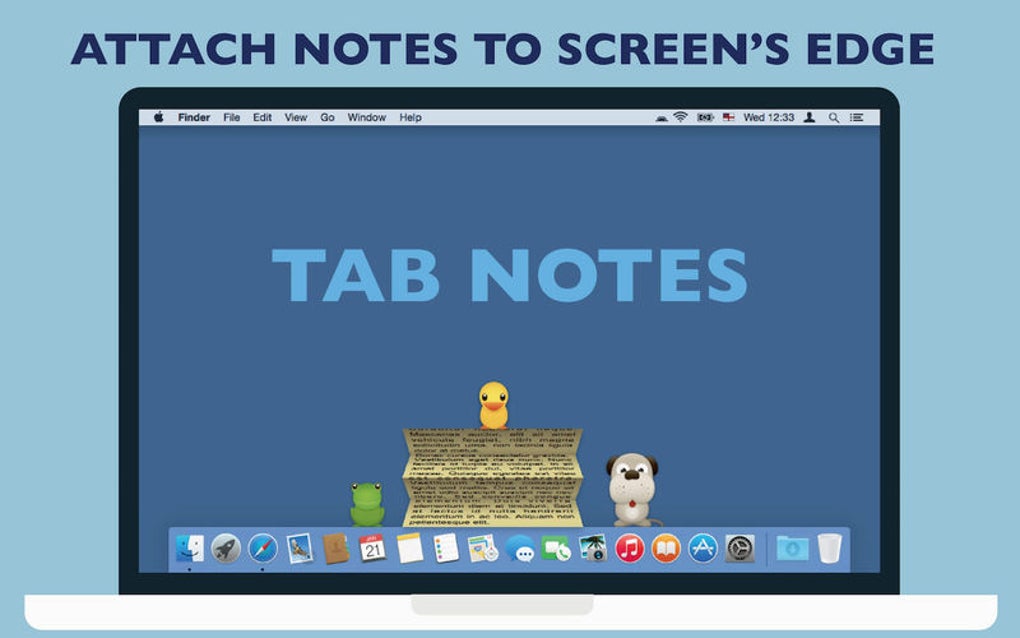
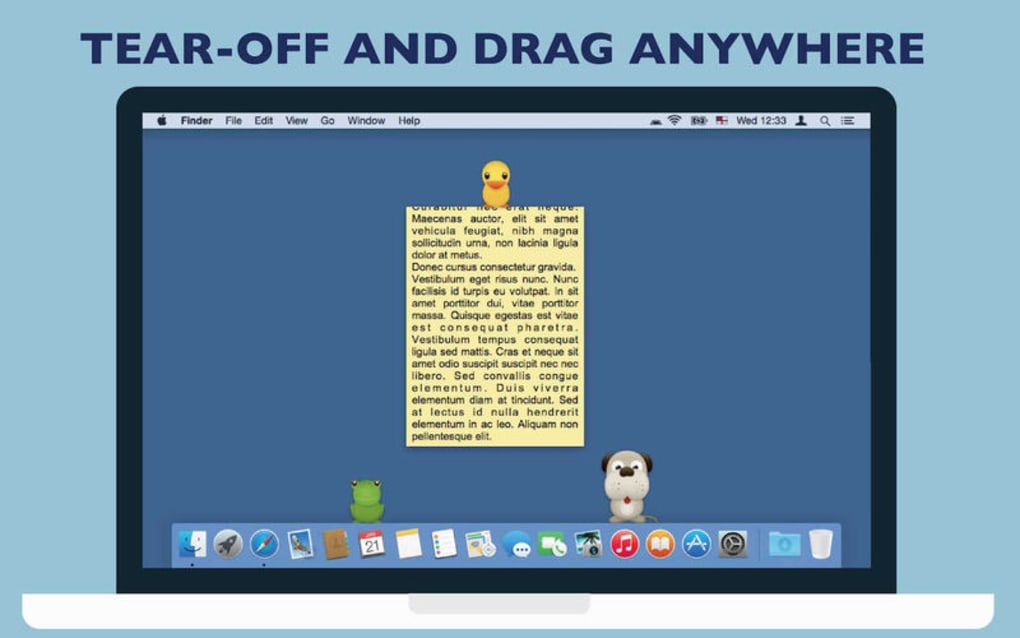
- Desktop‑Wide Placement: Drag and drop notes to any location on the screen, even over other applications, so important reminders are always in sight.
- Three‑Day Auto‑Backup: Every edit is saved automatically for up to 72 hours, allowing you to recover lost content with a single click.
- Customizable Appearance: Choose from a range of background colors, fonts, and opacity levels to match your workflow or visual preferences.
- Quick Keyboard Shortcuts: Create, edit, and delete notes using intuitive shortcuts, speeding up the note‑taking process.
- Lightweight Performance: Uses less than 20 MB of RAM and minimal CPU, ensuring your computer stays fast even with multiple notes open.
- Secure Local Storage: All notes are stored locally on your device, protecting your data from cloud‑based vulnerabilities.
- Automatic Updates: The app checks for updates in the background and prompts you to install the latest version with a single click.
Installation & Usage Instructions
Getting started with Tab Notes Lite is as simple as a few clicks. Follow these steps for a smooth installation and immediate productivity boost:
- Download the Installer: Visit the official Tab Notes Lite website and click the “Download for Windows” or “Download for macOS” button. The file size is under 10 MB, making it quick to download even on slower connections.
- Run the Installer: For Windows, double‑click the
.exefile; for macOS, open the.dmgand drag the app to your Applications folder. The installer guides you through a standard setup wizard, asking only for permission to create a shortcut on the desktop. - Launch the Application: After installation, open Tab Notes Lite from the Start menu or Applications folder. The first launch may prompt you to allow the app to run in the background; grant this permission to enable the auto‑backup feature.
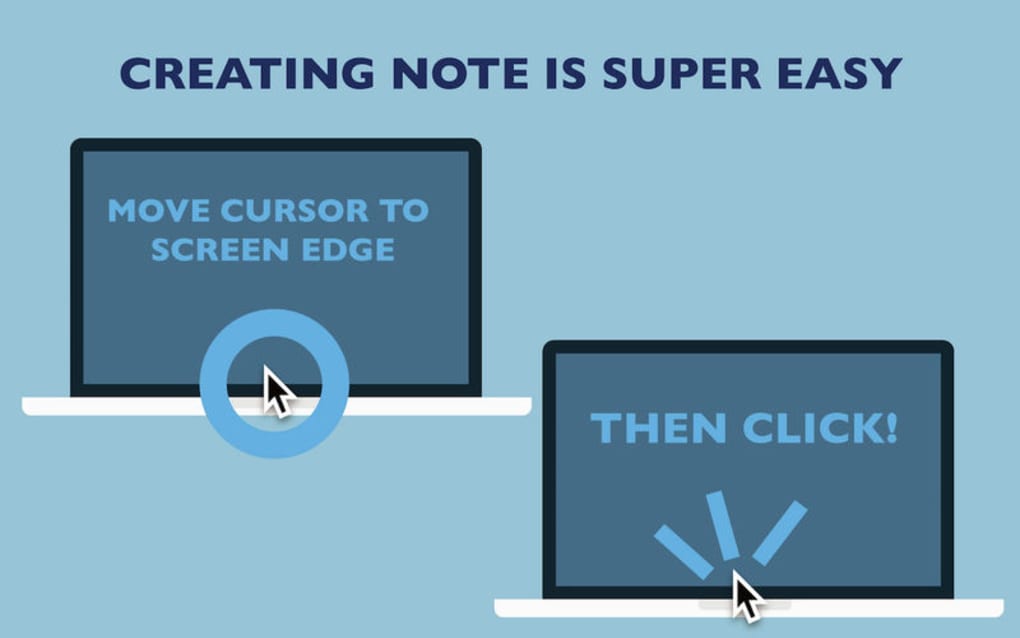
- Create Your First Note: Click the “+” icon in the system tray (Windows) or menu bar (macOS). A blank note appears on your screen. Type your reminder, adjust the color if desired, and drag the note to a convenient spot.
- Use Keyboard Shortcuts: Press Ctrl + N (Windows) or ⌘ + N (macOS) to create a new note instantly. Ctrl + S saves changes, while Ctrl + D deletes the selected note.
- Recover Deleted Content: If you accidentally delete a note, open the “Backup” tab from the main menu. You’ll see a list of notes saved in the last three days; click “Restore” to bring the note back to its original position.
- Customize Settings: Access the Preferences window to toggle auto‑start on system boot, change default note size, or enable the “Always‑On‑Top” option for persistent visibility.
Overall, the installation process takes less than five minutes, and the intuitive UI means you’ll spend more time creating reminders and less time learning how the software works. For power users, Tab Notes Lite also supports exporting all notes to a single .txt file, facilitating easy backup to external drives or cloud storage if you prefer an additional safety layer.
Compatibility & System Requirements
Tab Notes Lite is built to run on the most common desktop operating systems without sacrificing performance:
- Windows 10, 11 (64‑bit): Requires .NET Framework 4.7 or later. The installer includes the necessary runtime components for a seamless experience.
- macOS Catalina (10.15) and later: Compatible with Intel‑based and Apple Silicon Macs. The universal binary ensures optimal performance on both architectures.
- Linux (Community Build): An unofficial version is available via Snapcraft, supporting Ubuntu 18.04+ and other Snap‑enabled distributions. While not officially maintained, the community version mirrors the core functionality of the Windows/macOS releases.
Hardware requirements are modest, making Tab Notes Lite suitable for older machines as well as the latest high‑end workstations:
- CPU: Any modern dual‑core processor (Intel Core i3 / AMD Ryzen 3 or newer).
- RAM: Minimum 512 MB, though 1 GB is recommended for smoother multitasking.
- Disk Space: Less than 50 MB of free space for the application and temporary backup files.
- Graphics: No dedicated GPU required; the app uses standard system graphics libraries.
Because Tab Notes Lite stores data locally, it does not depend on an active internet connection after installation. However, a brief online check is performed during startup to verify the latest update version, ensuring you always have the most secure and feature‑rich release.
Pros and Cons
Pros
- Completely free with no hidden costs.
- Three‑day automatic backup protects against accidental loss.
- Lightweight footprint keeps system performance high.
- Customizable colors and fonts for personal workflow.
- Simple drag‑and‑drop placement works on any screen layout.
- Keyboard shortcuts speed up note creation and editing.
- Secure local storage eliminates cloud‑privacy concerns.
Cons
- No native mobile app (iOS/Android) – desktop‑only solution.
- Backup retention limited to three days; longer history requires manual export.
- Lacks advanced organization features such as tags or folders.
- Limited integration with third‑party productivity suites.
- Linux version is community‑maintained and may lag behind official releases.
Frequently Asked Questions
Is Tab Notes Lite really free?
Yes, Tab Notes Lite is completely free to download and use. There are no hidden fees, subscription plans, or ad‑supported versions. All features, including the three‑day backup, are available at no cost.
How does the three‑day backup work?
Every time you edit a note, Tab Notes Lite creates a timestamped copy in a hidden backup folder. These copies are retained for 72 hours. If you need to restore a previous version, open the “Backup” panel, locate the desired timestamp, and click “Restore.” After three days the backup is automatically purged to conserve disk space.
Can I sync notes across multiple devices?
Tab Notes Lite is designed as a local‑only application, so it does not include built‑in cloud sync. However, you can manually export your notes to a .txt file and place that file in a cloud‑storage folder (e.g., Dropbox or OneDrive). Import the file on another device to replicate your notes.
Will Tab Notes Lite run on older Windows versions like Windows 7?
The official Windows build supports Windows 10 and 11. While the application may launch on Windows 7, you might encounter compatibility warnings or missing .NET dependencies. For the best experience, we recommend using a supported operating system.
Is there a way to change the default note size?
Yes. Open the Preferences window (gear icon in the system tray or menu bar) and navigate to the “Appearance” tab. Here you can set default width, height, and opacity for newly created notes. Existing notes retain their current size unless manually resized.
Conclusion & Call to Action
Tab Notes Lite delivers a focused, hassle‑free solution for anyone who needs quick, on‑screen reminders without the bloat of larger note‑taking suites. Its free price tag, lightweight design, and automatic three‑day backup make it an attractive choice for students, professionals, and home users alike. While it lacks mobile support and advanced organization tools, the core functionality—instant note creation, customizable appearance, and reliable local storage—covers the essential needs of most desktop users. If you’re looking for a secure, unobtrusive way to keep important tasks visible at all times, Tab Notes Lite is ready to download and use today.
Ready to boost your productivity? USD 0.00 – Download Tab Notes Lite now and start creating digital reminders that stay exactly where you need them.







